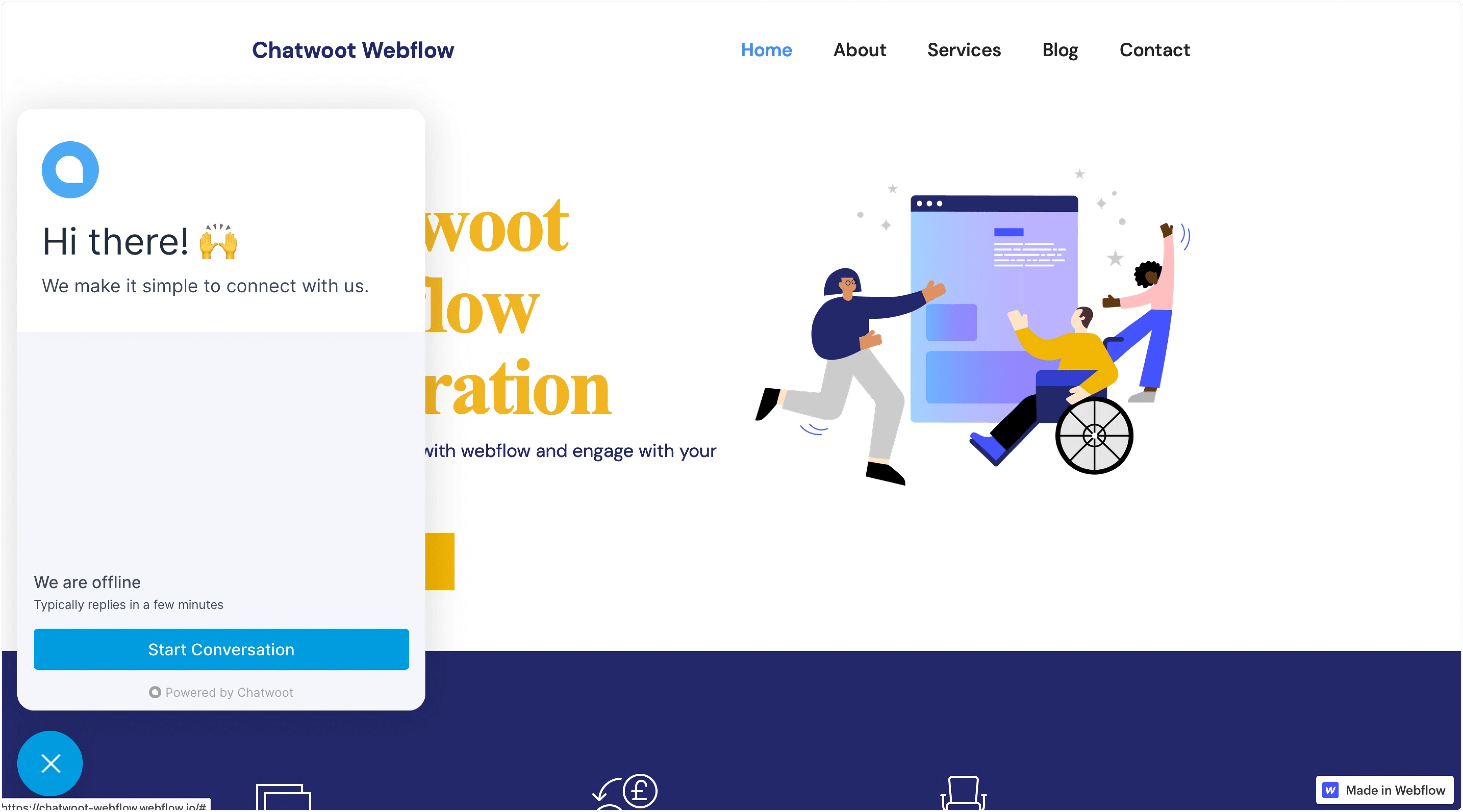
If your website is created with Webflow and you want to talk to your Webflow website visitors in real-time, you can add the Voxys Connect live chat widget to your website. Follow the steps described below.
Step 1. Create a website inbox in Voxys Connect
Please refer to this guide for detailed instructions on setting a website inbox in Voxys Connect.
Step 2. Install the generated script in Webflow
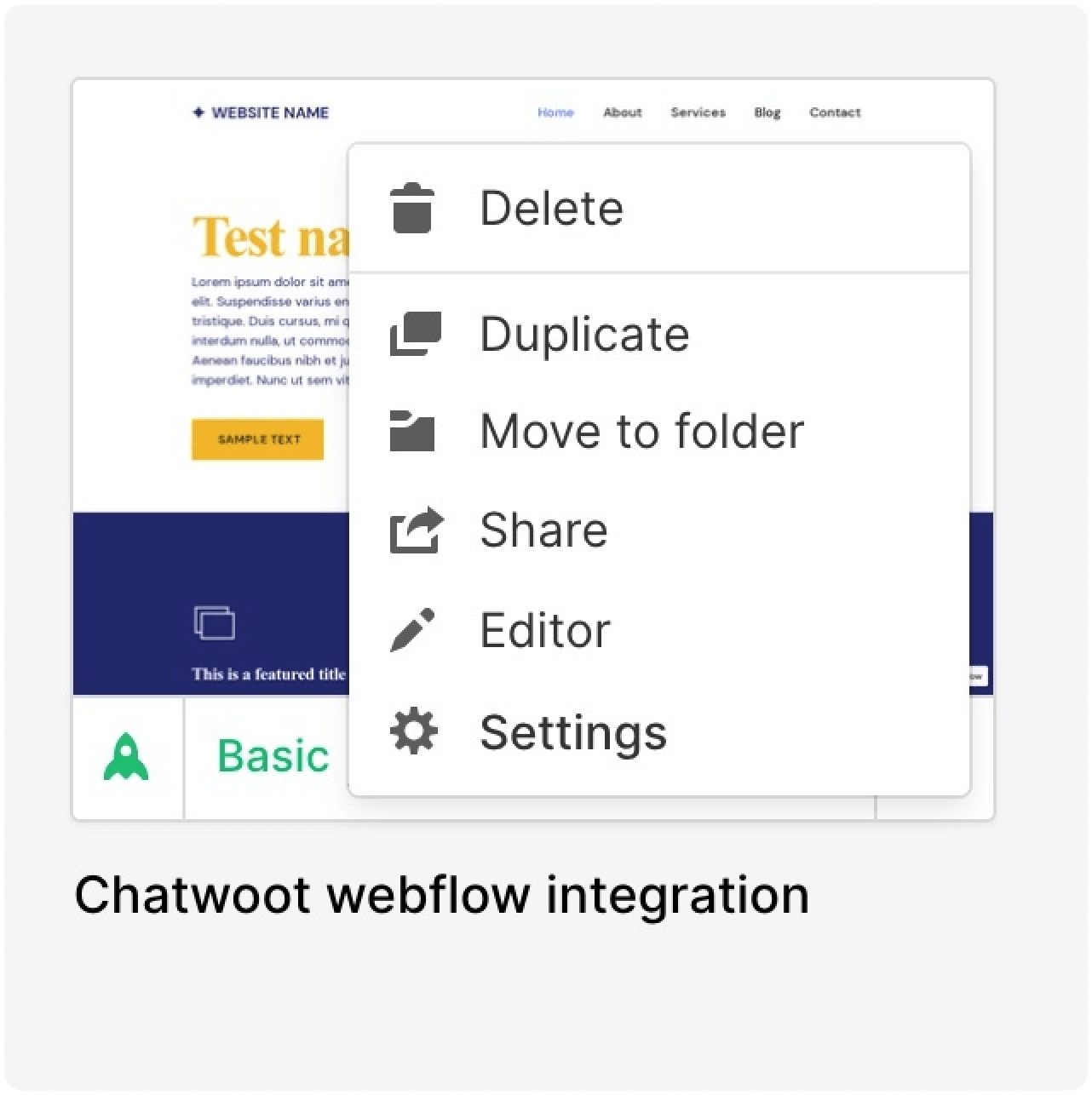
Login to your Webflow account and select your website. Select Settings.
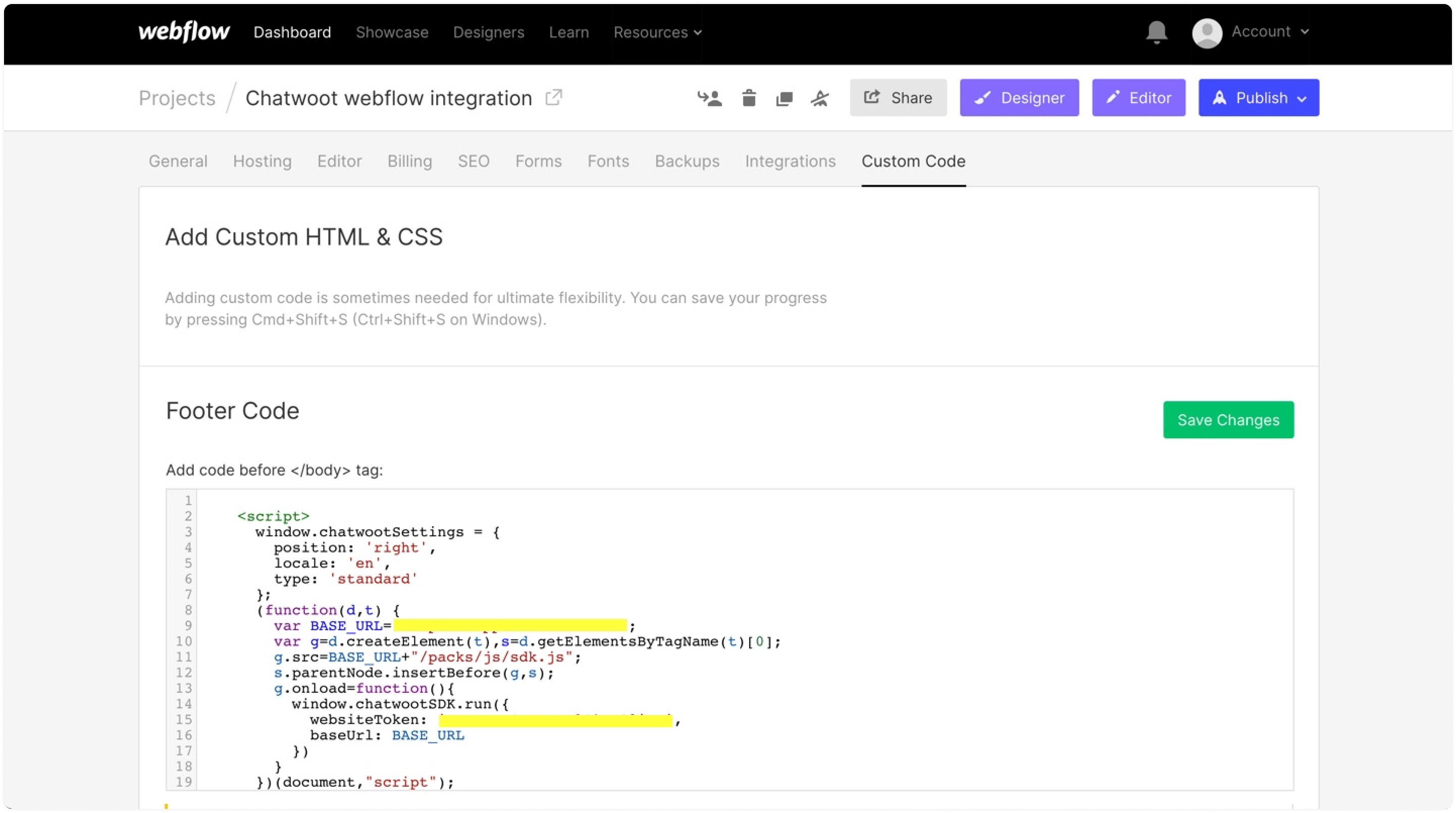
Go to Custom Code -> Footer Code. Paste the script in the "Footer Code". Save the changes.
Step 3. Publish the changes
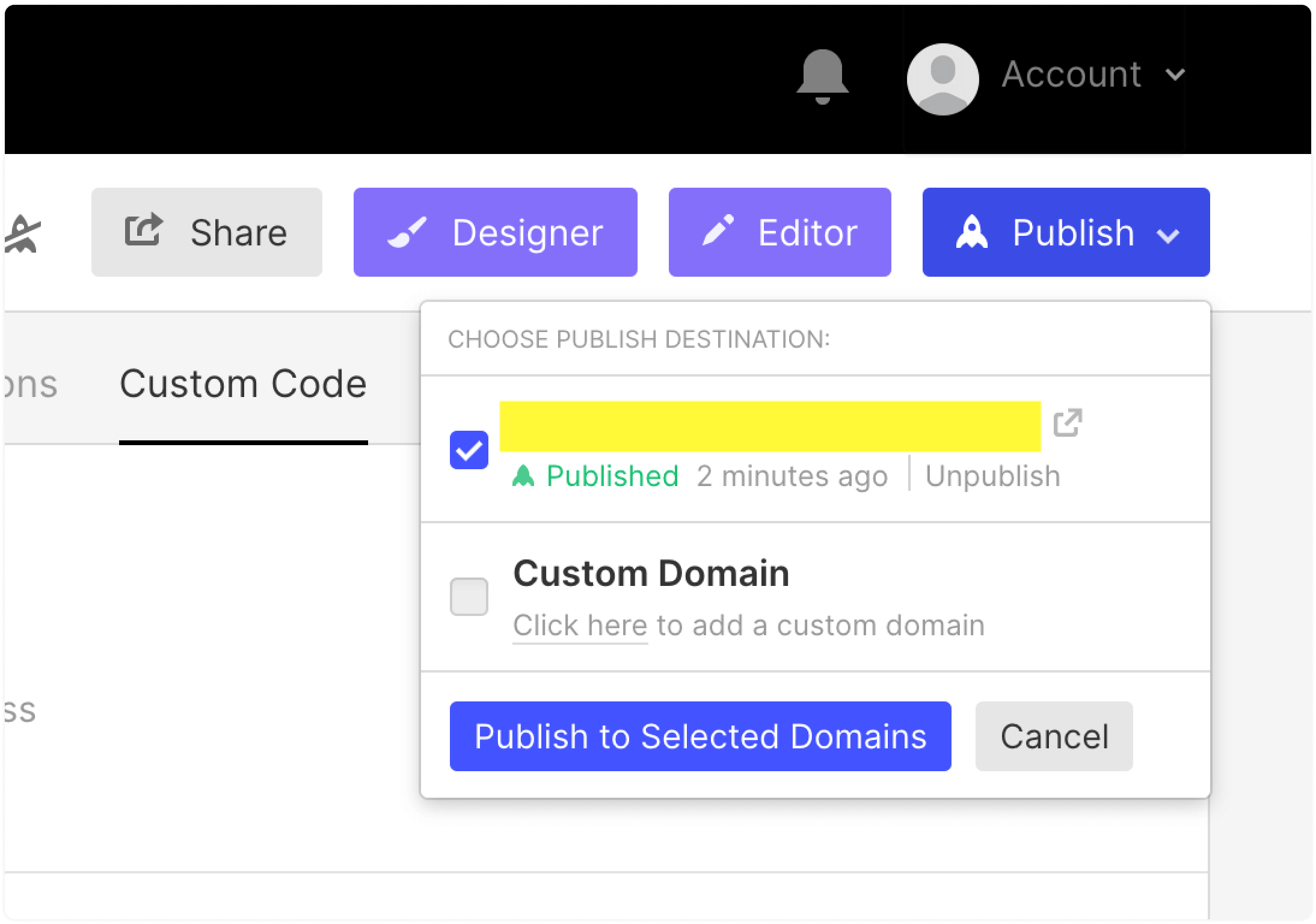
Click on Publish -> Select the website -> Publish to selected domains.
Step 4. Verify
Visit your website and see if the widget appears on the website.