
With template variables, you can personalize your messages by inserting dynamic content tailored to each recipient. By adding placeholders in your messages, you can easily customize your communications with information such as a customer's name, order number, or other details.
For e.g., If you send a message Hey {{ contact.name }}, how may I help you?, Voxys Connect will pick the contact name and send a message like Hey John, how may I help you?.
You can also utilize variables in canned responses, macros, and automation.
Creating template variables
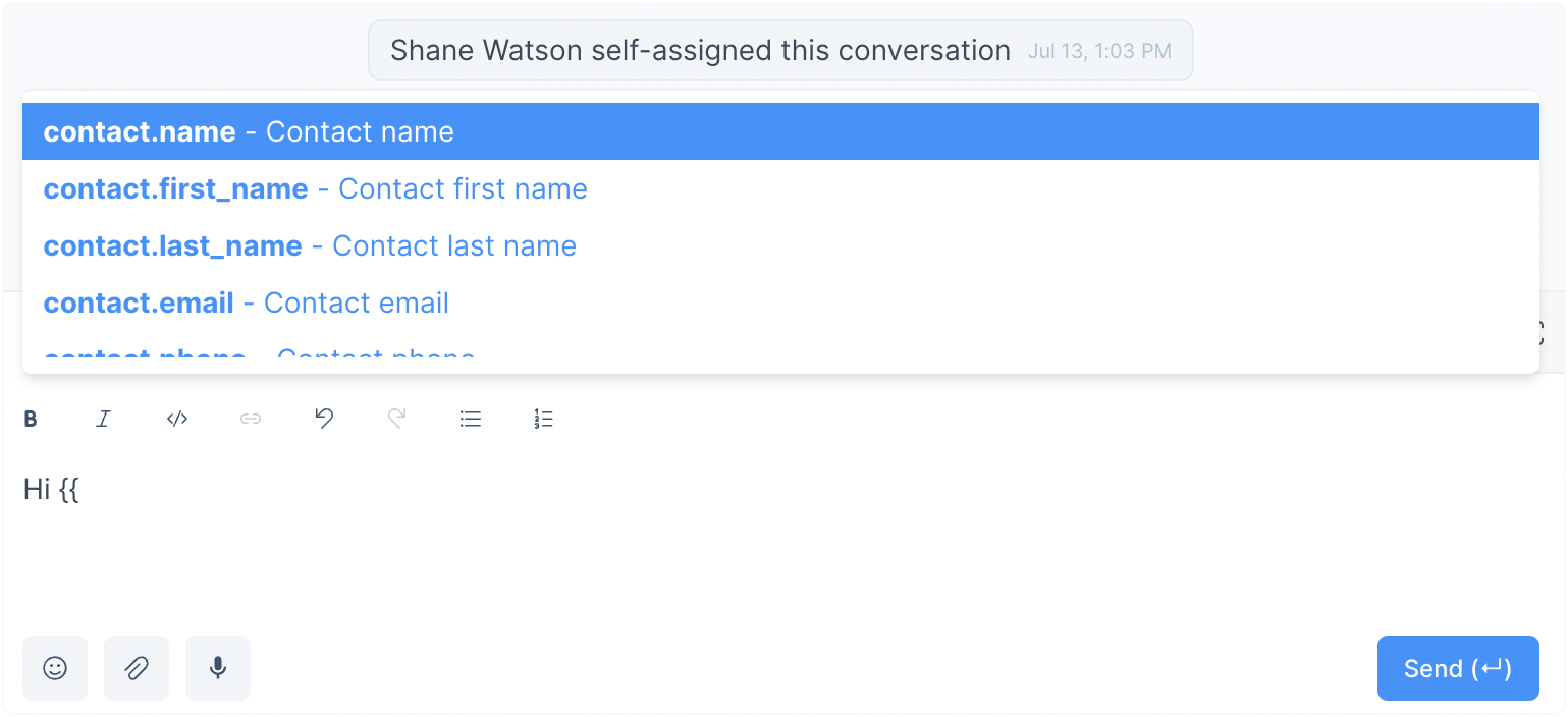
To use a variable, type two double curly brackets {{ when composing a new message or creating a canned response. The variables will appear, and you can select the one you'd like to use.
The available template variables are:
~ For the numeric version of the conversation ID.
~ For the numeric version of the contact ID.
~ For the contact's full name.
- contact.first_name
- contact.last_name
- contact.phone_number
- agent.name
- agent.first_name
- agent.last_name
- agent.phone_number
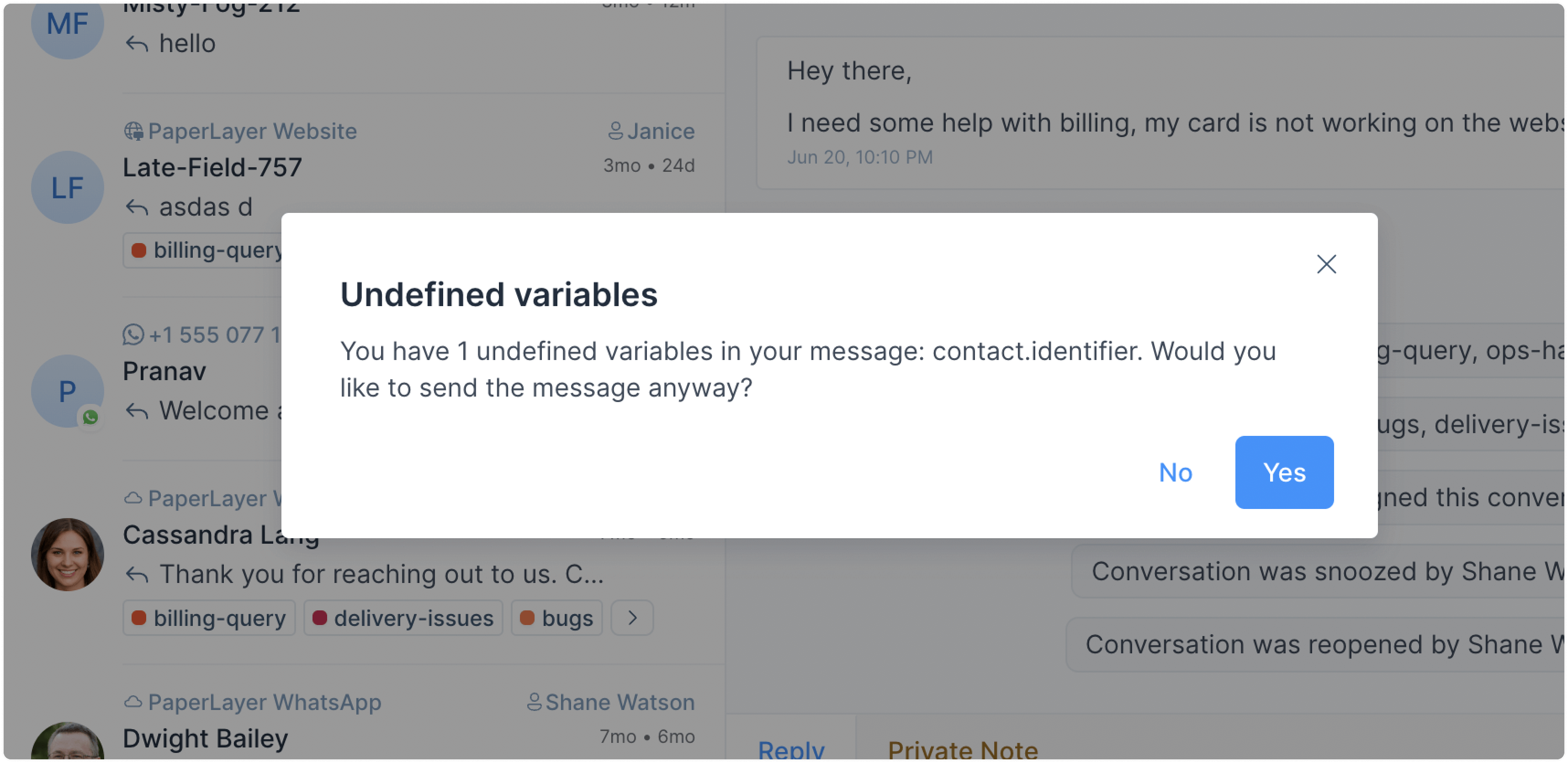
What if I send a non-existent variable?
If you try to send an undefined variable, Voxys Connect will show a warning.
How to add a fallback text?
If a defined variable cannot be populated by the system, a fallback text can be used to replace the intended value. For e.g., if the variable contact.first_name cannot be populated, a suitable fallback text could be 'there'.
When defining a fallback text, make sure you surround it with single quotes. Here is an example: {{ contact.first_name || 'there'}}.