
You can access your Voxys Connect account on iOS mobile devices through the Voxys Connect mobile app.
How to get the Voxys Connect mobile app for iOS?
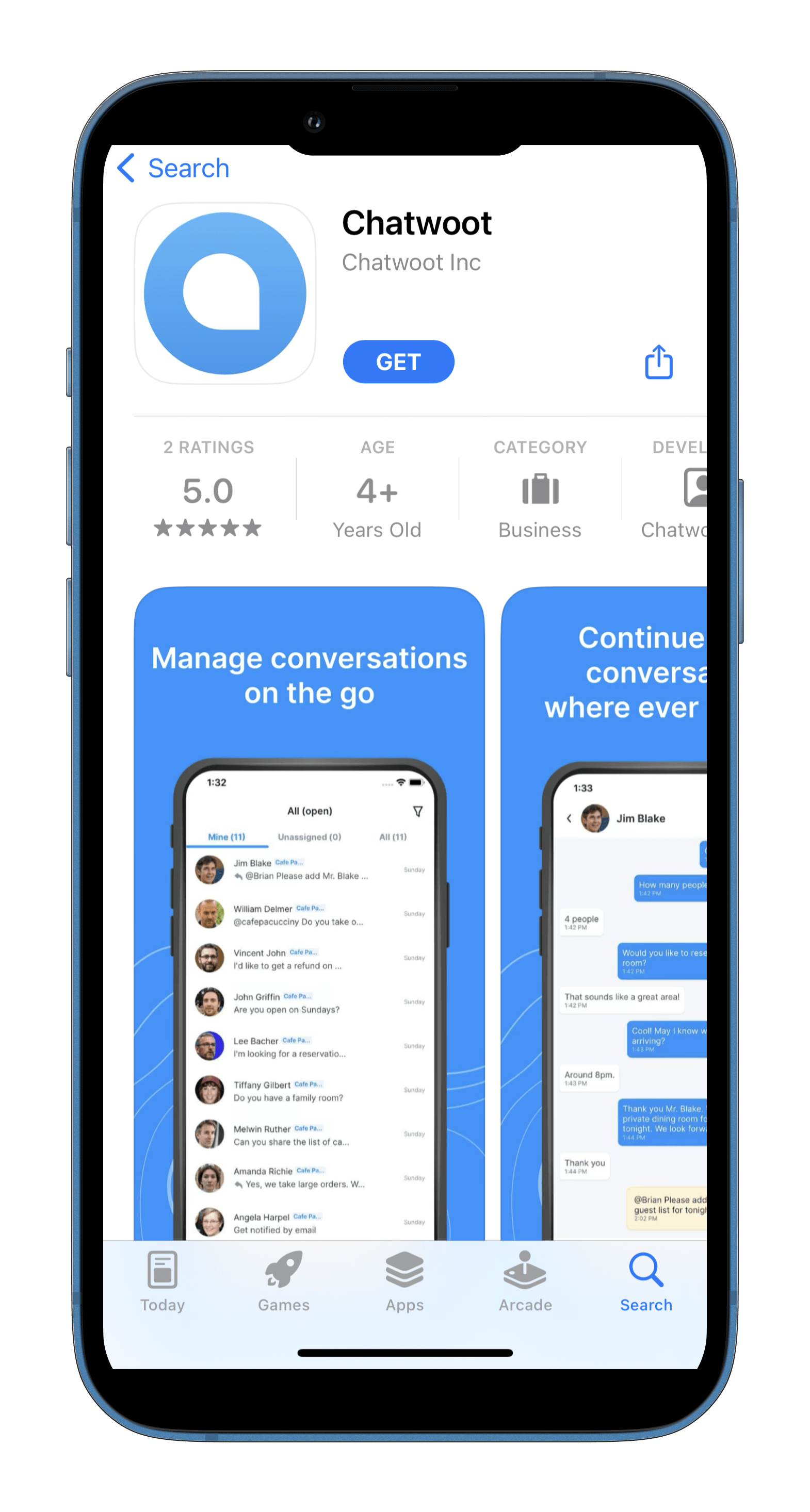
You can download the app called "Voxys Connect" from your Appstore. Follow these steps:
- Open the App Store on your Apple device running iOS 11.0 or later.
- Search for Voxys Connect and press on "GET" to download the app.
 3. Once downloaded, open the Voxys Connect app.
4. Enter the Installation URL; in the format
3. Once downloaded, open the Voxys Connect app.
4. Enter the Installation URL; in the format domain.com. If you are using a self-hosted Voxys Connect installation, input your server URL. Otherwise, use app.chatwoot.com.
5. Click the Connect button and enter your account credentials to log in.
Contribute to testing app updates
You can sign up for our beta program to help with testing app updates before release. Open this link from your iOS device.
You can leave the Beta testing program anytime by opening the TestFlight app and clicking "Stop Testing".