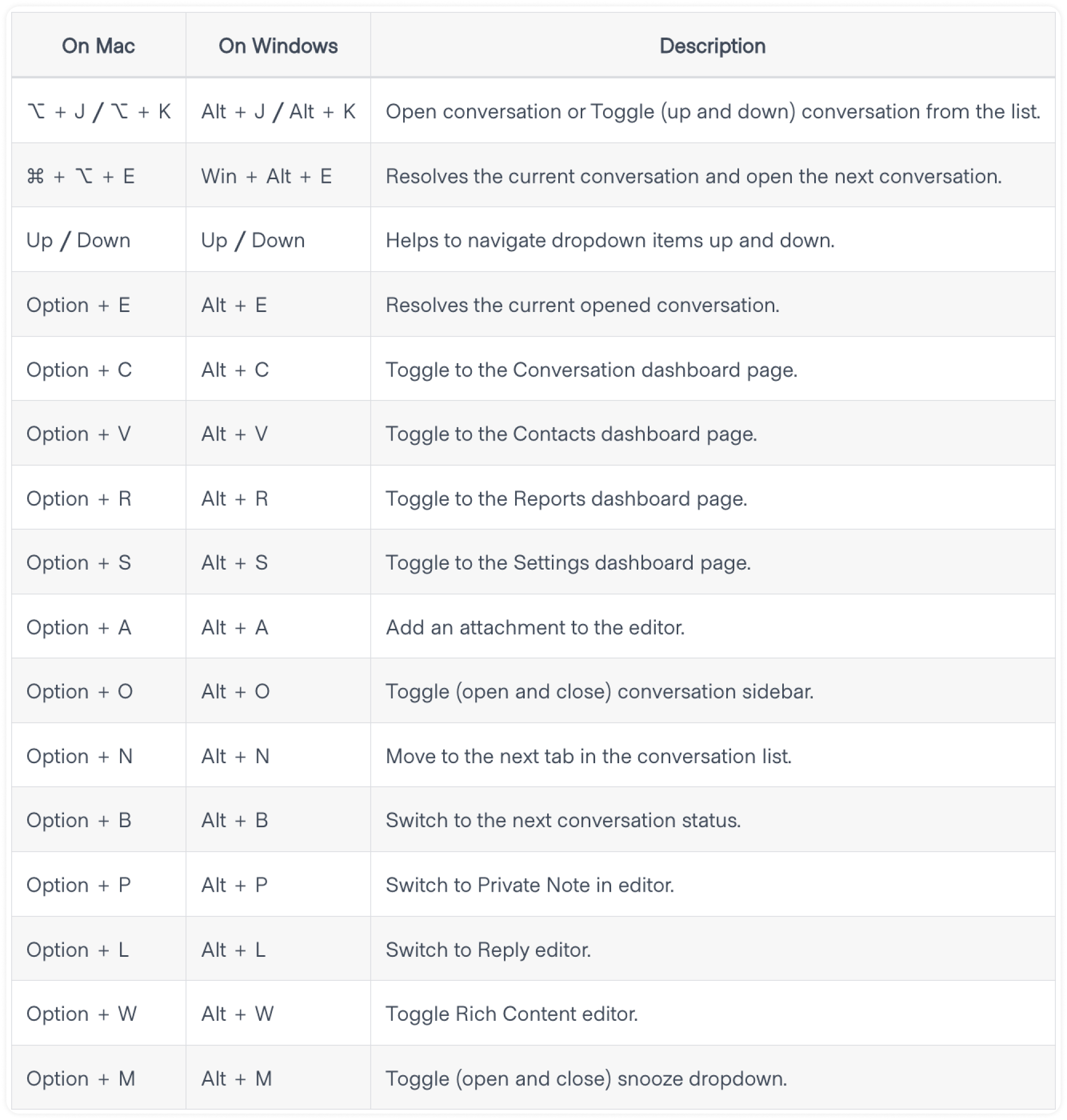
To enhance your productivity, you can work with keyboard shortcuts. These shortcuts let you perform quick actions like opening a conversation, resolving a conversation, toggling the sidebar, going to Settings, and more.
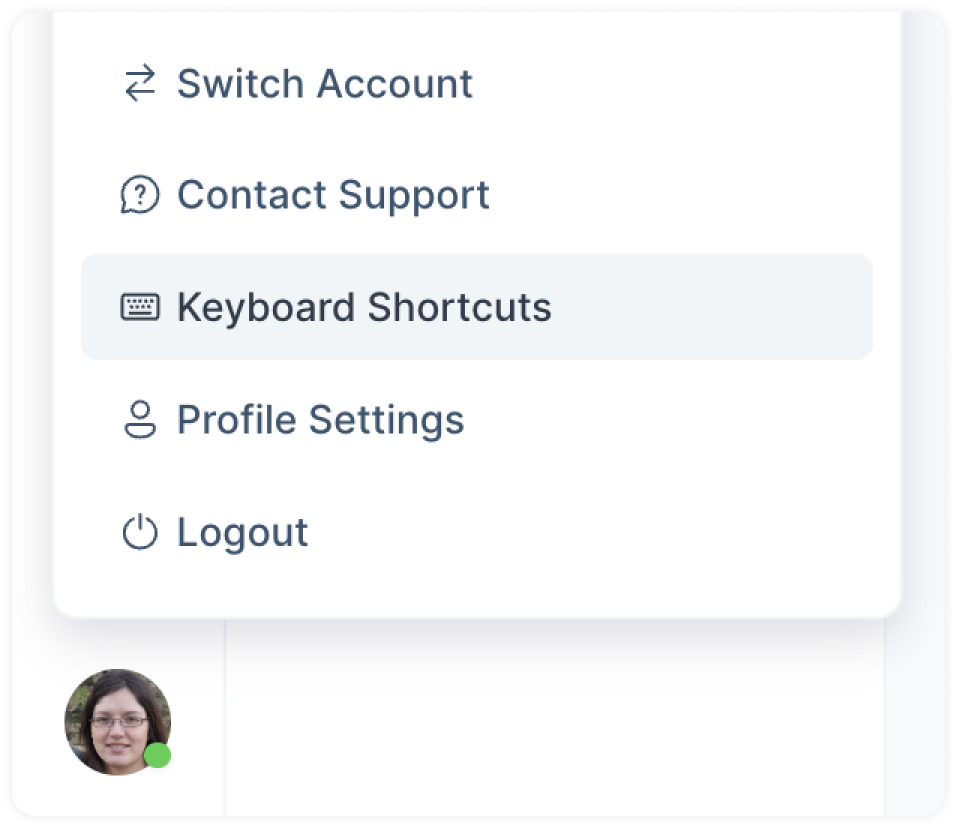
To display a list of available keyboard shortcuts, press "CMD + /" or "Win + /" on your keyboard. Or, select "Keyboard Shortcuts" from your Profile Settings menu.
List of Keyboard shortcuts in Voxys Connect